Automatic gate help center: fixes, how-tos and when to call a pro
Step-by-step answers to the questions gate owners ask us most, written by the technicians at Interactive Gates & Security and based on the LiftMaster manuals. Search, or filter by topic and gate type.
Find your fix
 Power outage & manual releaseOpen your gate in a power outageManual release steps for LiftMaster swing and slide openers, and how to lock back to automatic.Safe to DIY⏱ 5 minutes
 TroubleshootingGate won't openRemote, power, battery and safety checks to do before you call, and how to get in or out meanwhile.Safe to DIY⏱ 10 minutes
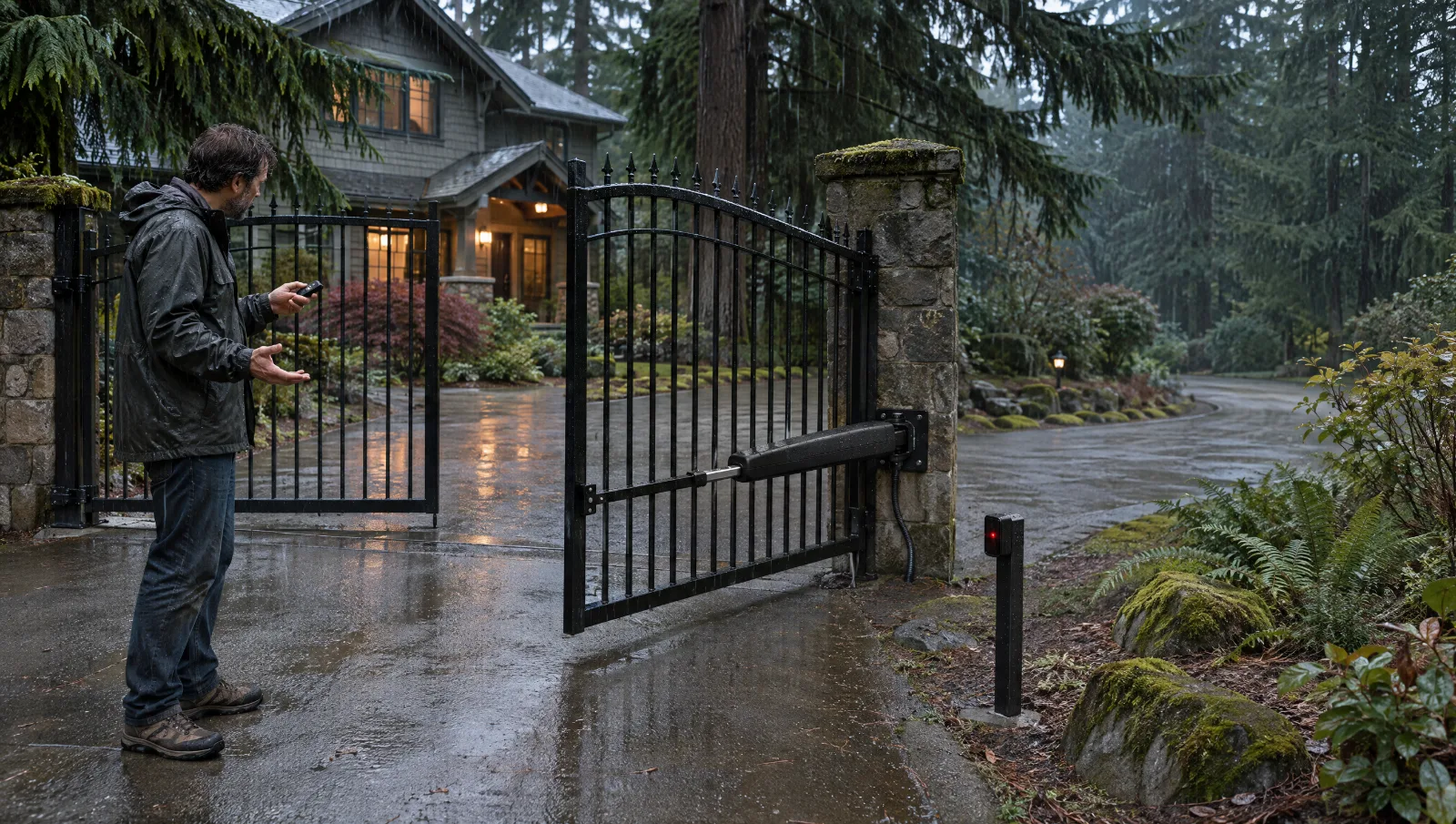 Safety sensorsGate won't close or keeps reversingPhoto eyes, exit loops, stuck buttons and battery settings: the 5 checks to do first.Safe to DIY⏱ 10–15 minutes
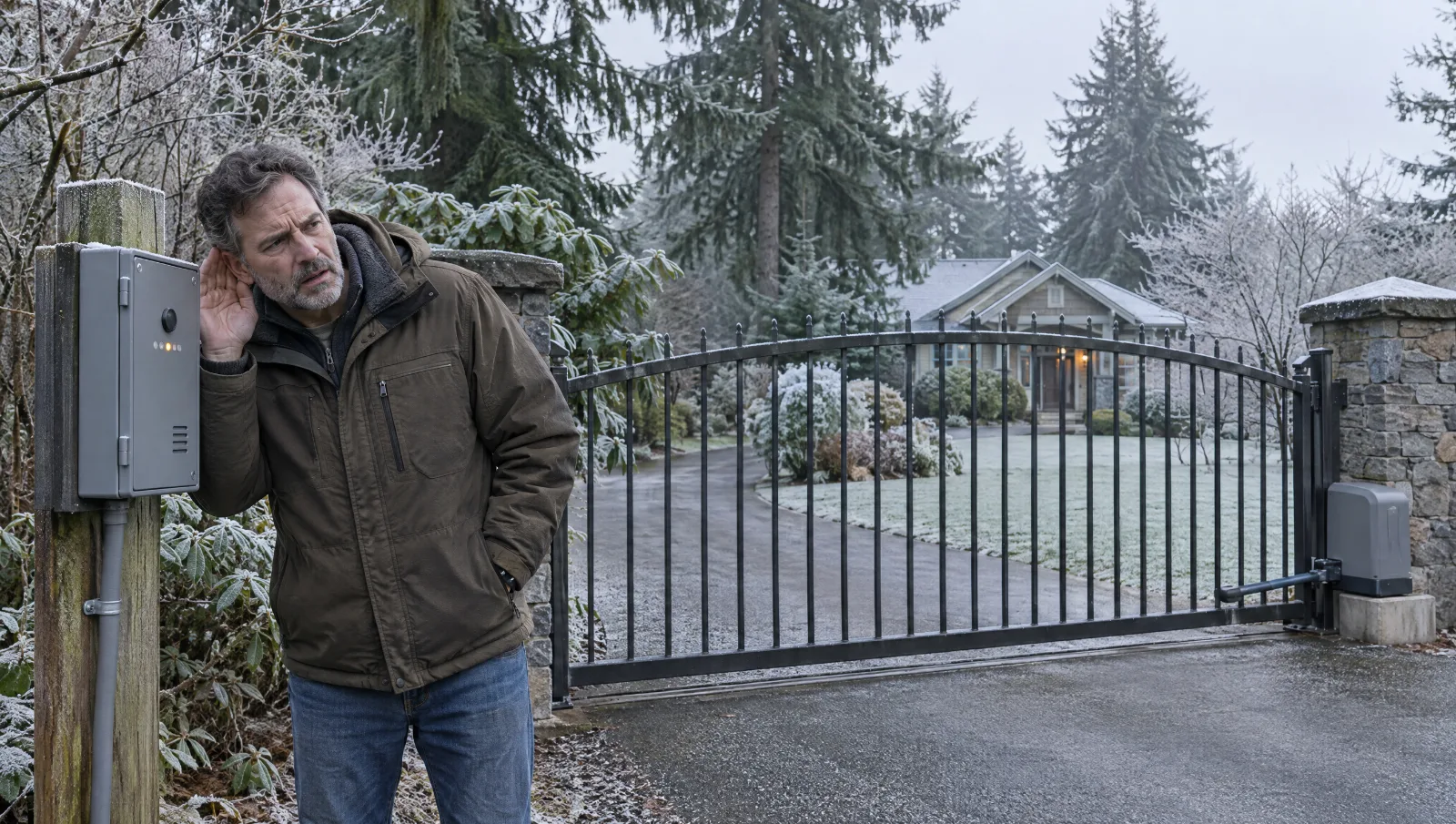 Batteries & solarGate beeping or low batteryWhat 3 beeps and the 5-minute alarm mean, battery life, and solar gates in winter.Safe to DIY⏱ 10 minutes
 Remotes, keypads & appProgram a gate remote or keypadAdd a remote with the LEARN button, pick open-only or open/close/stop, and erase a lost remote.DIY with care⏱ 5 minutes
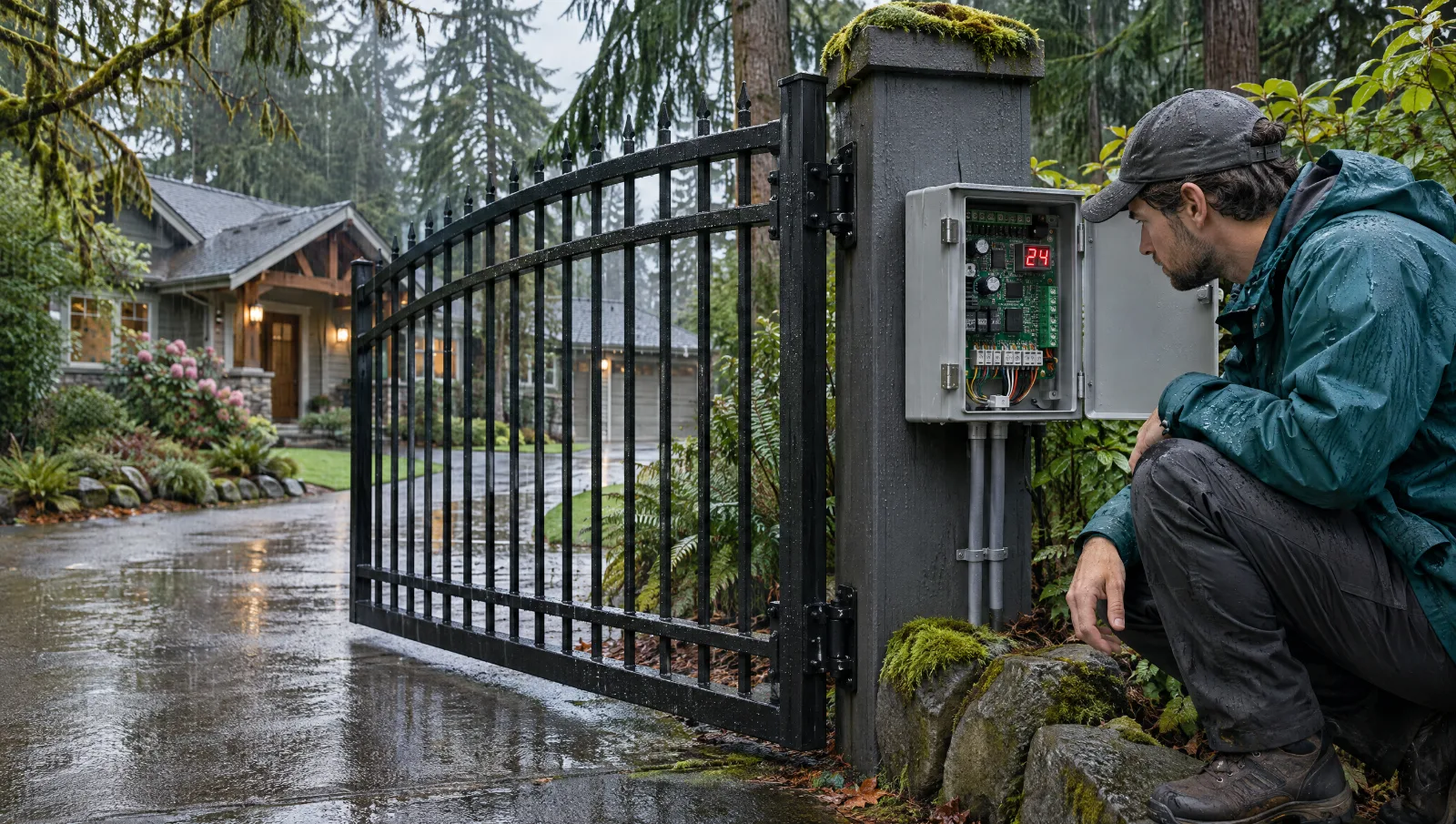 TroubleshootingLiftMaster error codesHow to show the code on the display, what the common codes mean, and when to call.DIY with care⏱ 5 minutes
 MaintenanceGate maintenance checklistWhat to check every month, every 6 months and every 3 years, split into owner and technician tasks.Safe to DIY⏱ 15 minutes a month
Is it safe to fix it yourself?
Every guide is marked with one of three levels. We never ask you to touch wiring or bypass a safety device.
Safe to DIY
Clearing the gate’s path, cleaning sensors, changing remote batteries, and using the manual release on a stopped gate.
DIY with care
Pressing buttons on the control board to program remotes or read error codes, re-aiming a bumped sensor. Follow the manual for your exact model.
Call a pro
Wiring and power, batteries if you are not comfortable, force and limit settings, hinges, posts, welding, and any safety device that fails its test.
Gate owner questions, answered
What should I check first when my automatic gate stops working?
Start with the simple things: power to the opener, remote batteries, anything in the gate’s path, and dirty or blocked photo eyes. If the gate still won’t move, use the manual release on a stopped gate and call a technician.
How do I open my gate if the power is out?
Use the opener’s manual release on a stopped gate. For a LiftMaster LA400 swing arm: key a half turn counter-clockwise, then the lever a half turn counter-clockwise. Full steps are in our power outage guide.
Why won’t my gate open?
Try a second remote or the keypad, replace the remote battery, and check power to the opener. Three beeps means a low battery. See what to check first.
Why won’t my gate close?
Usually a safety device thinks something is in the way: dirty photo eyes, plants, a car on the exit loop or a stuck button. See the 5 checks to do first.
Why is my gate opener beeping?
On LiftMaster DC openers, three beeps with a command means a low battery and a 5-minute alarm means two obstructions in a row. See what the beeps mean.
How do I program a new gate remote?
On LiftMaster DC openers, press LEARN on the control board, then the remote button within 30 seconds, and listen for the beep. See the remote programming guide.
How often should an automatic gate be maintained?
Test the safety devices monthly, have the opener and wiring inspected every 6 months, and replace backup batteries every 3 years. Here is the full maintenance checklist.
Do you repair gates you didn’t install?
Yes. Interactive Gates & Security repairs automatic swing and slide gates and openers of all major brands, including gates other companies installed. The tech visit fee is $89, and you get an itemized quote before any repair.
Still stuck? Talk to a gate tech.
Interactive Gates & Security repairs swing and slide gates of any brand in Washington, Oregon and Southern California. $89 tech visit fee, then an itemized quote before any repair.
WA (425) 900-6083 · OR & SW WA (971) 351-9750 · CA (657) 312-3376