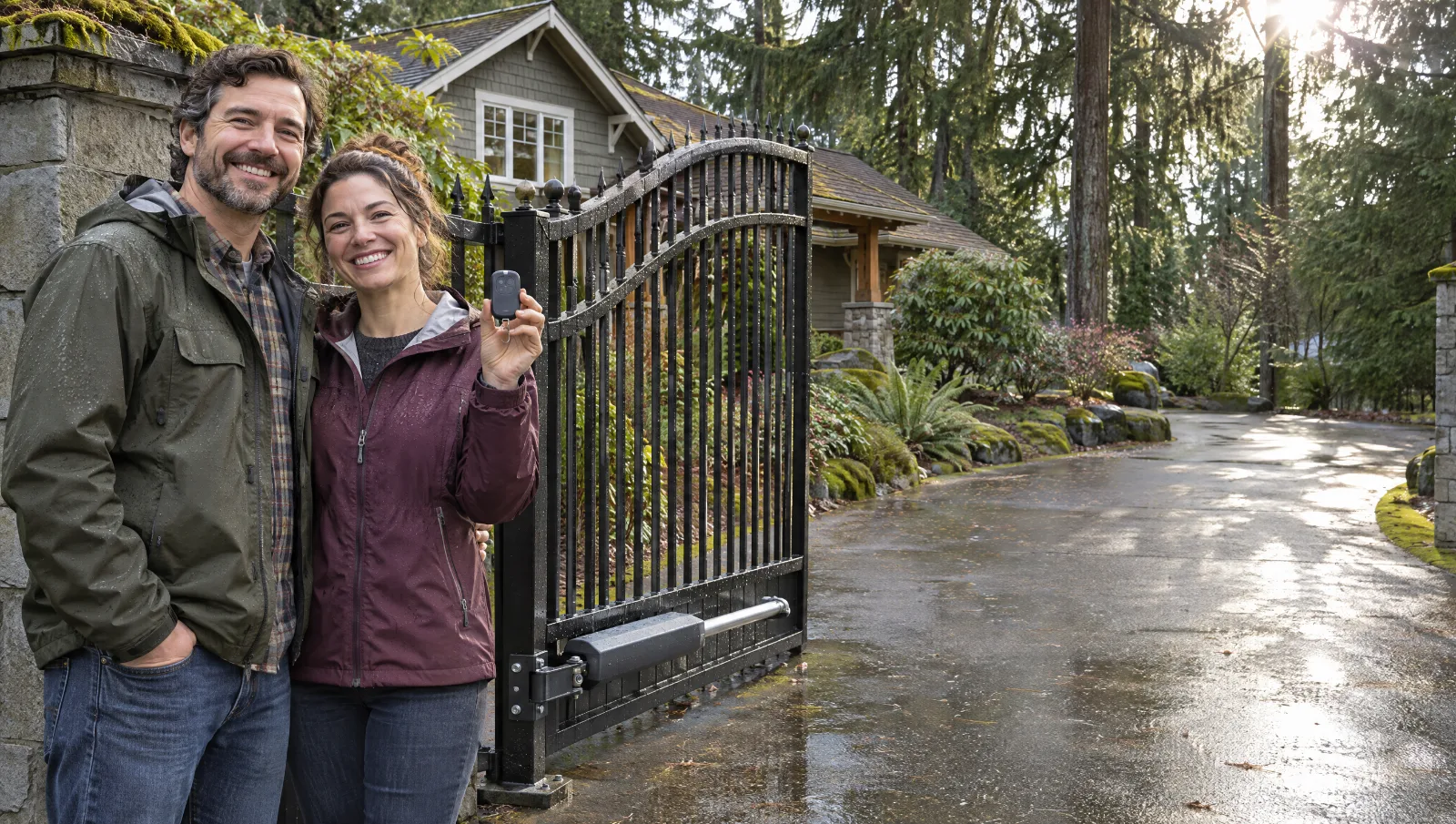
How to program a LiftMaster gate remote or keypad
New remote, new keypad, or a lost one you want to lock out? On LiftMaster DC gate openers it takes the LEARN button on the control board and about 30 seconds per remote.
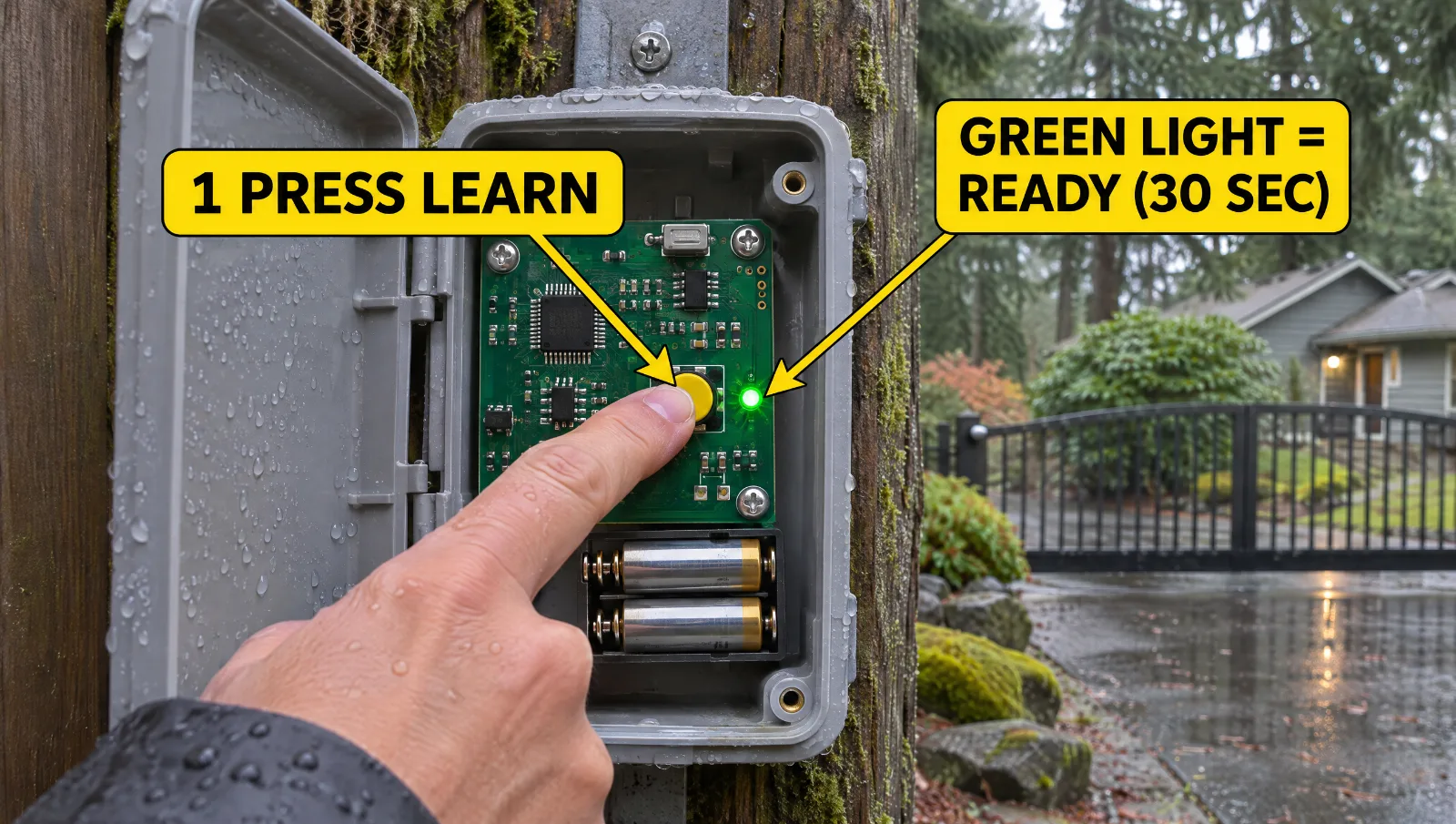
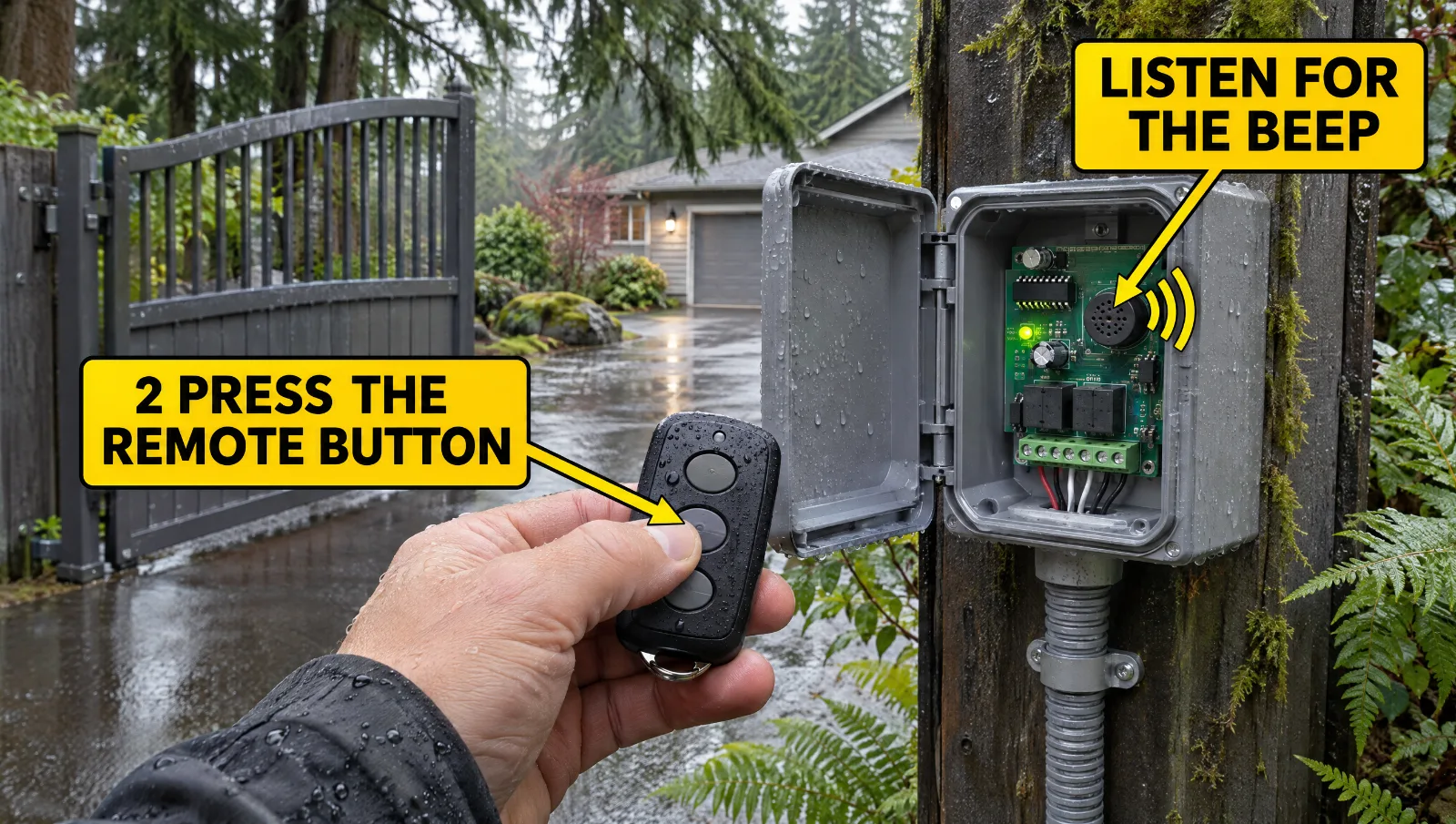
Open the control box, press the yellow LEARN button on the board once, then press the remote button you want to use within 30 seconds. The opener beeps and the green XMITTER light goes out when the remote is learned. To make the button open only, press the board’s OPEN button after LEARN, then the remote button. LiftMaster DC openers store up to 50 remotes or keypads.
Before you start
- Use a LiftMaster Security+ 2.0 remote or keypad. The LA400 manual says the opener works with Security+ 2.0 and myQ accessories.
- Make sure the gate is stopped and nobody is in its path while you test.
- The LA400 control box runs on 24-volt battery power. You only need to press buttons on the board; don’t touch or unplug any wires.
Program a remote with the LEARN button
- Open the control box coverFind the yellow LEARN button on the control board, with the green XMITTER light next to it.
- Press LEARN onceThe XMITTER light comes on. You have 30 seconds to finish.
- Choose what the button will doOpen and close with one button: just press the remote button. Open only: press the board’s OPEN button, then the remote button. Three buttons: press the board’s OPEN, CLOSE or STOP button, then the remote button you want for it.
- Wait for the beepThe opener beeps and the XMITTER light goes out when the remote is learned.
- Test it from the streetClose the cover and try the remote from where you normally use it.
Keypads and keyless entry PINs
A LiftMaster KPW250 keypad learns like a remote and counts toward the 50-device memory. The opener also holds 2 keyless entry PINs; adding a third erases the first. Follow the keypad’s own instructions to set its PIN.
If the memory is full, the manual says to erase before adding more.
Lost a remote? Erase them all
- Press LEARNPress the LEARN button once.
- Then hold LEARN about 6 secondsHold it until the XMITTER light flashes. All remotes and keypads are erased.
- Re-learn the ones you keptProgram each remote and keypad you still have, using the steps above.
Stop and call a technician if
- You can’t find a LEARN button, or your board looks different from this guide
- The remote learns but only works a few feet from the gate
- The XMITTER light never comes on
- You see damaged wires or water inside the control box
Lock out a lost remote the same day
A lost remote opens your gate for whoever finds it. Erasing all remotes and re-learning the ones you have takes about 10 minutes.
Questions gate owners ask
How do I program a new remote to my LiftMaster gate opener?
Press the LEARN button on the control board, then press the remote button within 30 seconds. The opener beeps and the XMITTER light goes out when it is done.
How many remotes can a LiftMaster gate opener hold?
The LA400 manual lists 50 Security+ 2.0 remotes or KPW250 keypads, plus 2 keyless entry PINs.
How do I delete a lost gate remote?
Erase all remotes: press LEARN, then press and hold LEARN about 6 seconds until the XMITTER light flashes. Then re-learn the remotes and keypads you still have.
Can I make my remote open the gate but not close it?
Yes. After pressing LEARN, press the board’s OPEN button, then the remote button. That button will only open the gate.
Can Interactive Gates & Security program remotes for me?
Yes. We program remotes and keypads during a service visit. The tech visit fee is $89 and you get an itemized quote before any work.
Related gate guides
Still stuck? Talk to a gate tech.
Interactive Gates & Security repairs swing and slide gates of any brand in Washington, Oregon and Southern California. $89 tech visit fee, then an itemized quote before any repair.
WA (425) 900-6083 · OR & SW WA (971) 351-9750 · CA (657) 312-3376